







Five ways your team uses WhatsApp in Zoho CRM.
No second app, no copying between tabs, and no reply lost in someone’s phone.
One-to-one WhatsApp
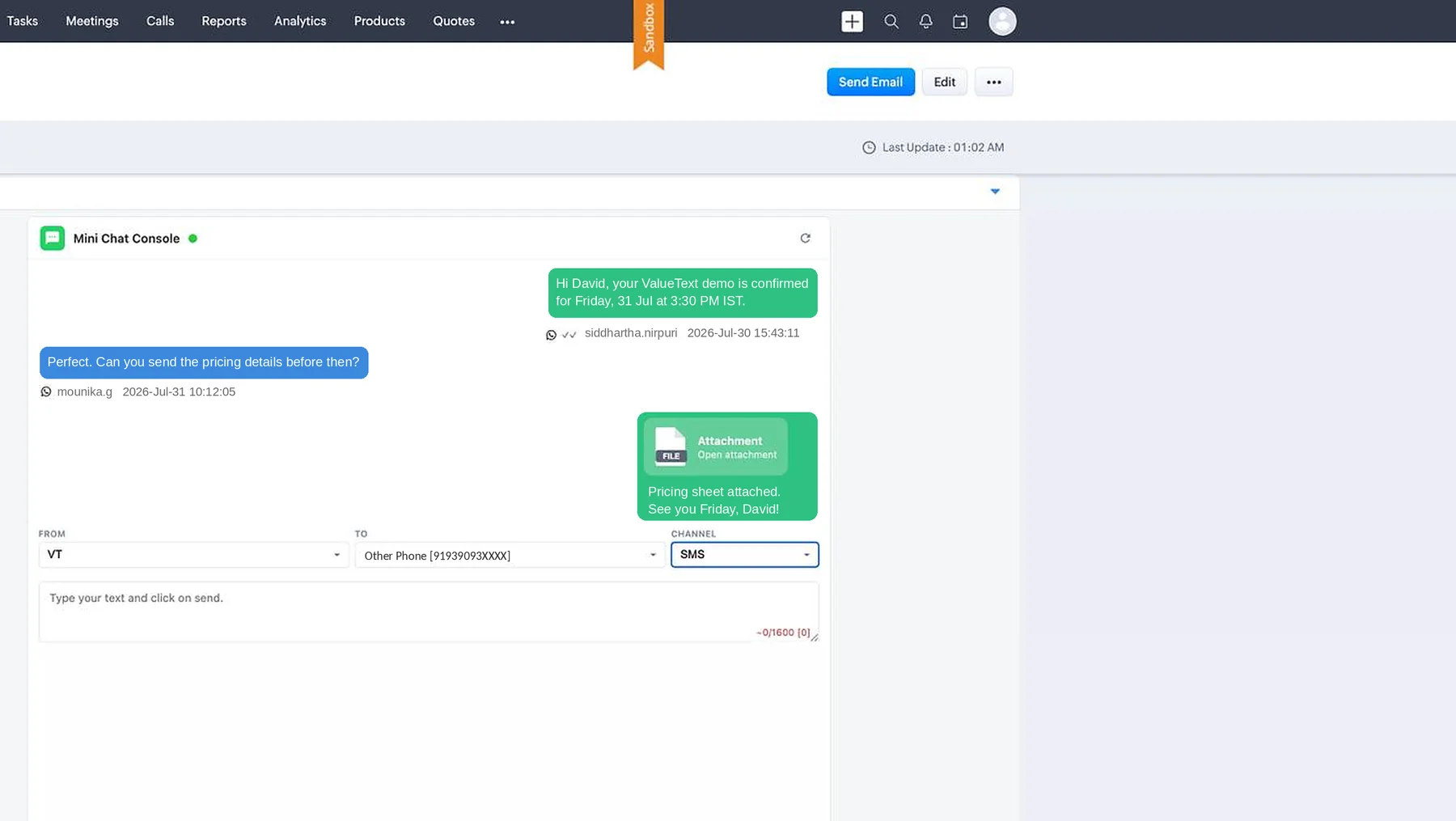
Send a WhatsApp from the Zoho CRM Lead, Contact or Deal. The reply comes back to that record and to the person who owns it.
Send to a list
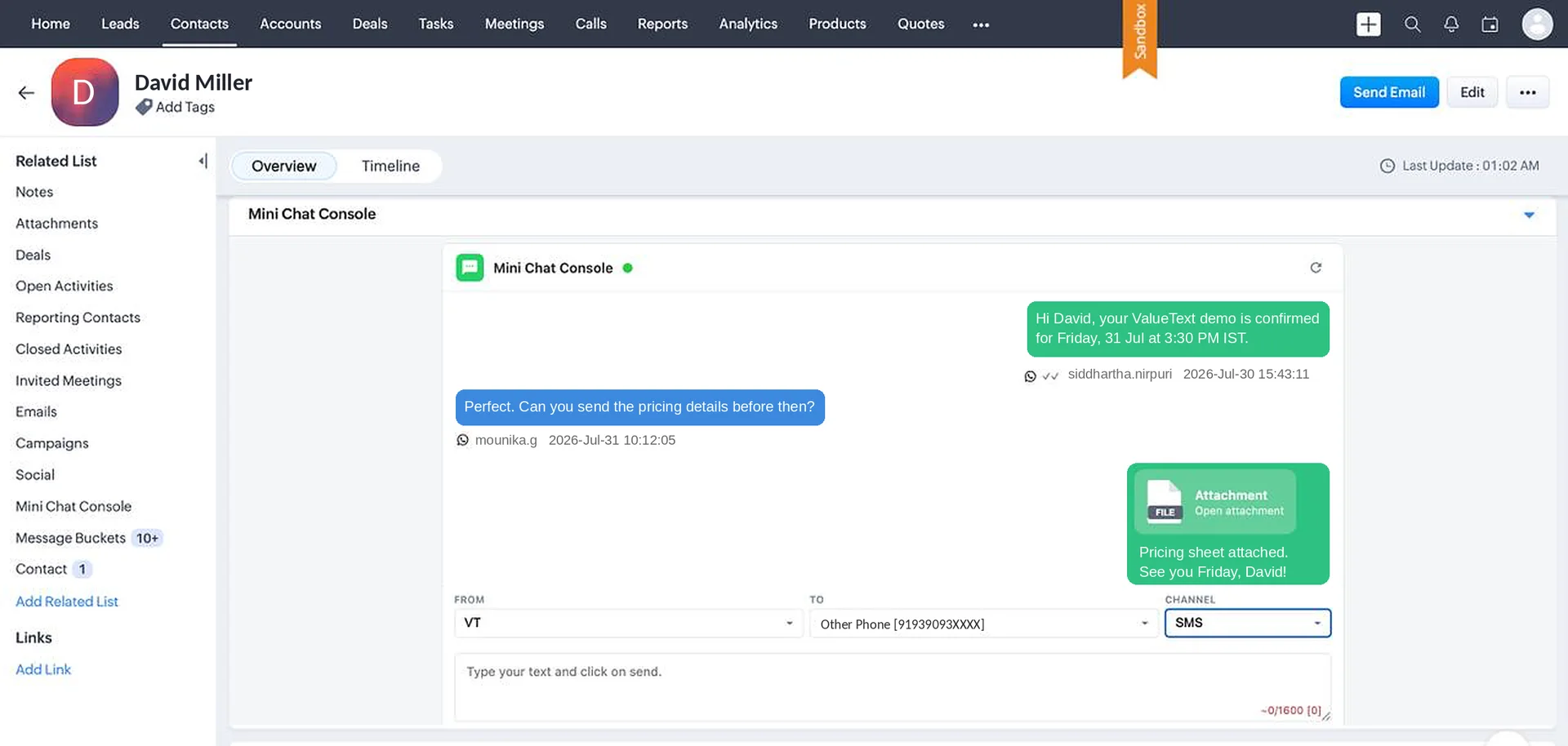
Pick a list view, a report or a campaign and send once. Every reply comes back as its own conversation, not a group thread.
Automatic follow-ups
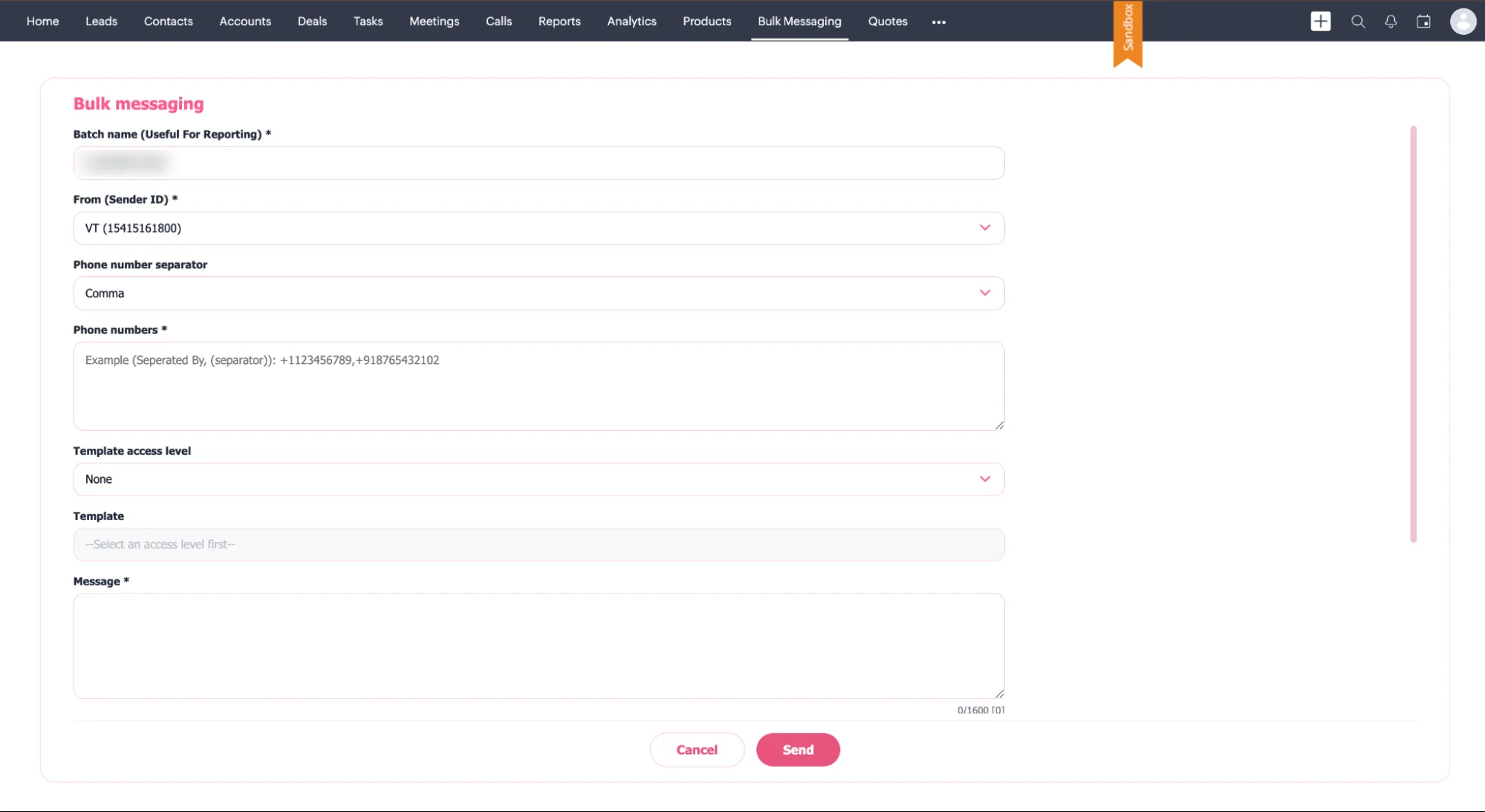
Your Zoho CRM workflows send them: a reminder before the appointment, a message when the stage changes, a first reply while the team sleeps.
See every conversation
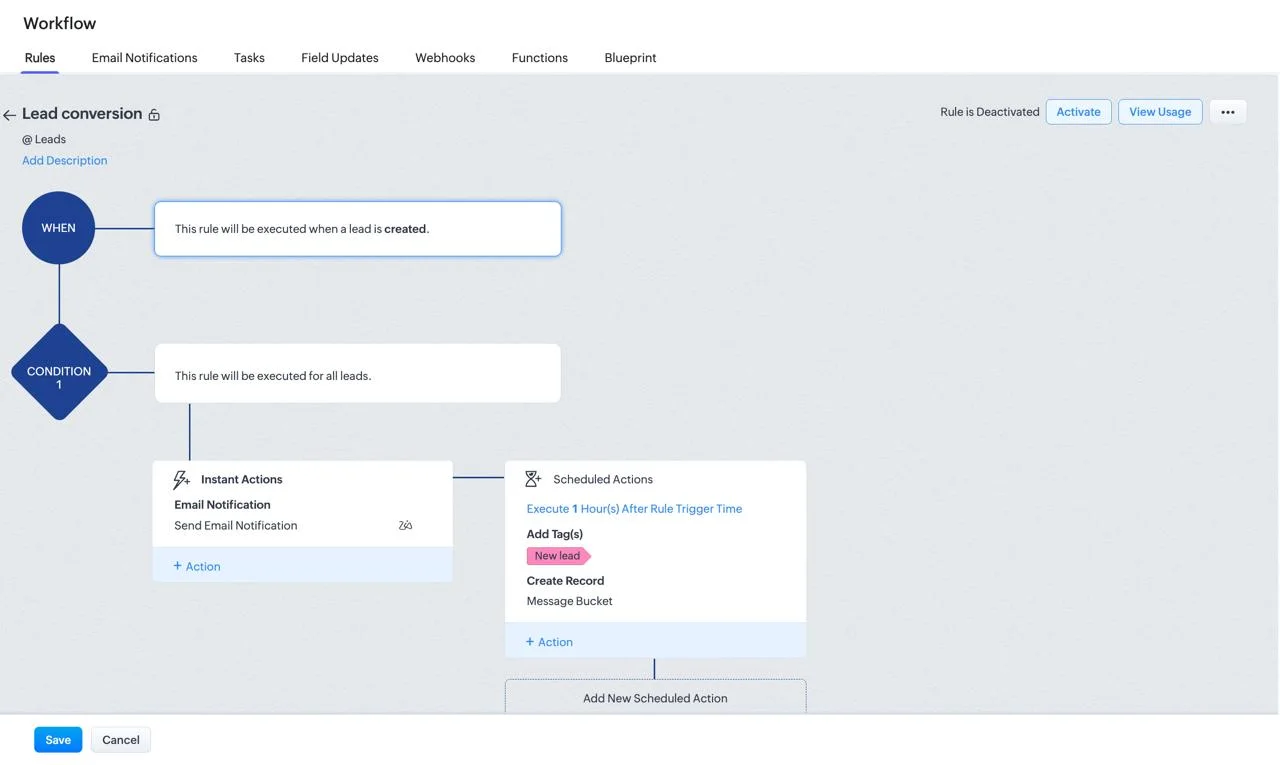
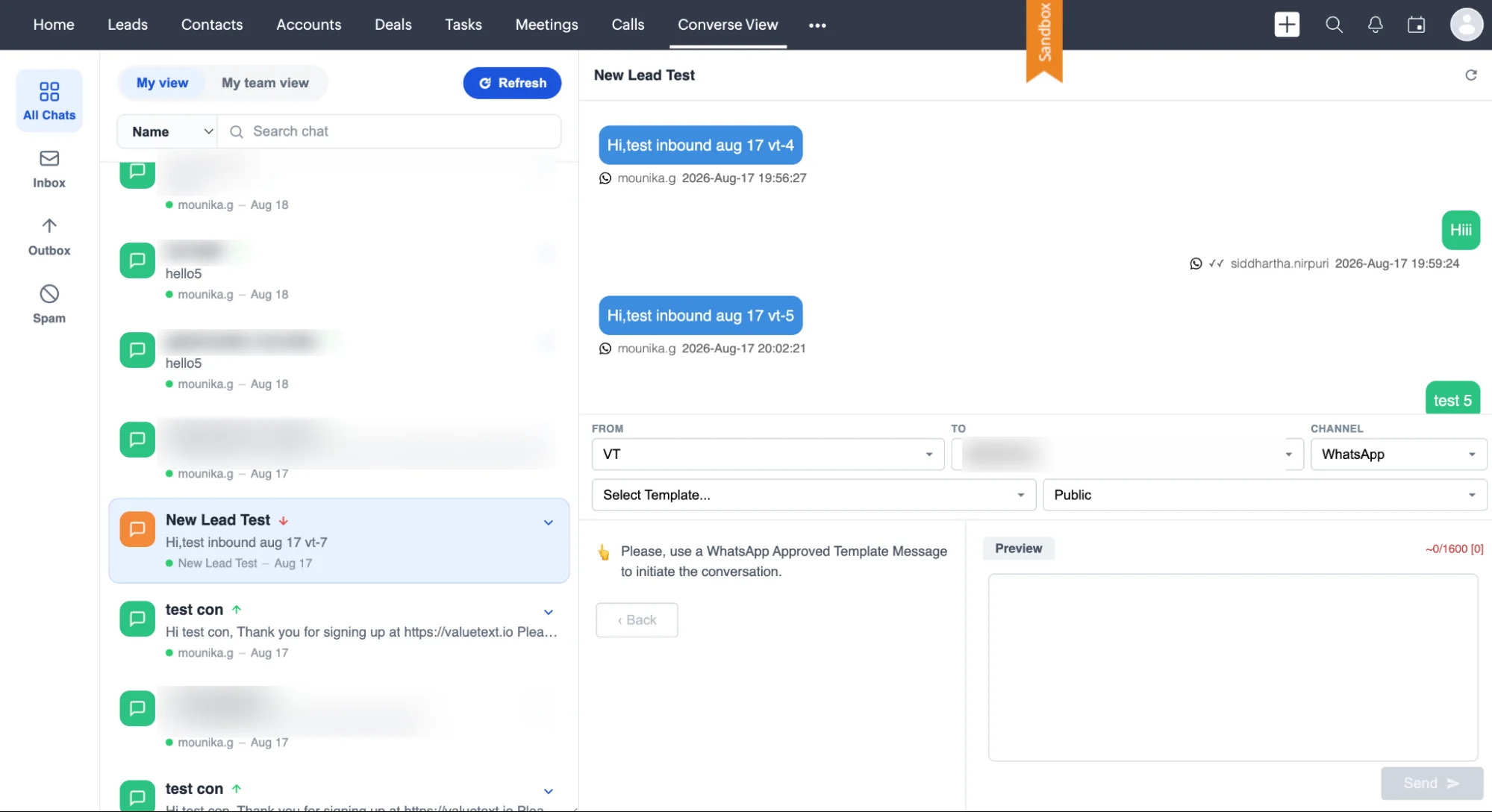
Converse view shows every open conversation in one inbox inside Zoho CRM, by owner, channel or label, so you see what is waiting and who has it.
AI answers first
The AI agent answers, qualifies and books on WebChat, SMS and WhatsApp. Anything it cannot answer goes to a person, with the thread attached.

More replies, fewer things falling through the cracks
Every one of these runs inside the Zoho CRM your team already opens each morning. Pick the job you are trying to fix.
 01 · Winning the work
Speed-to-lead auto-replies
A web lead goes cold in minutes, and whoever replies first usually wins the relationship. Zoho CRM sends the first text the second the record is created, so nobody is waiting on a rep to notice.
Hi Priya, thanks for reaching out. This is Ana at Northgate, when’s a good time to talk?
The message that goes outYour team stops answering the same message all day
The routine replies get handled the moment they arrive. Anything that needs judgement goes to a person, with the whole thread already on the record.

Buttons, media, a carousel, or a choice.
A WhatsApp template is more than a line of text. Write it in your CRM, Meta approves it once, and every send fills it from the record.
Every tap comes back onto the lead, contact or deal, in the record's timeline.
Template categories and Meta's rates →Sending today, not next quarter
It installs into Zoho CRM from the link we give you. An admin can do the whole thing in ten minutes, and setup and training are included in the fee rather than charged by the day.
Install the extension
From the link we give you, into your Zoho CRM. There is nothing to host and nothing extra to buy: it runs inside the Zoho CRM your team already uses.
Connect a number to your own gateway
Use a number on your own gateway account, or one we open for you. The keys stay in your own org, not with us, and every text goes out from that number.
Put the texting window on the records your team opens
Put the Messaging window on the leads, contacts, accounts, deals and cases your team already opens. It is done once, and nobody learns a new screen to text from the record.
Your conversations live in Zoho CRM, and you own them.
Messages are written to your own org, on the record they belong to. ValueText keeps no copy of its own.
Every message is stored in your org, not ours.
Your sharing rules decide who reads a thread.
Bring your own gateway, and send on your own account.
Send your first WhatsApp today.
Installed and sending in ten minutes, from the record your team already has open.
ValueText against the other SMS apps for Zoho CRM
Every row below is a question worth asking any vendor you are looking at, including us.
ValueText
OthersTypical
"Others" describes what is common across the SMS apps listed for Zoho CRM, not any one product. Check each row against whichever vendor you are comparing.
Starts at $7 per user / month
Three prices, all published: a price per user, one base fee per account, and the message rate for the country you send to.







Questions about WhatsApp for Zoho CRM
The ones every buyer asks on the first call, answered the way we answer them there.